How to Build a Digital Audio Studio at Zero Cost?
It's possible to build a digital audio studio without spending any money by utilizing existing hardware like smartphones or computer microphones, free DAWs such as Audacity or GarageBand, and simple s
NourVoice Team ·
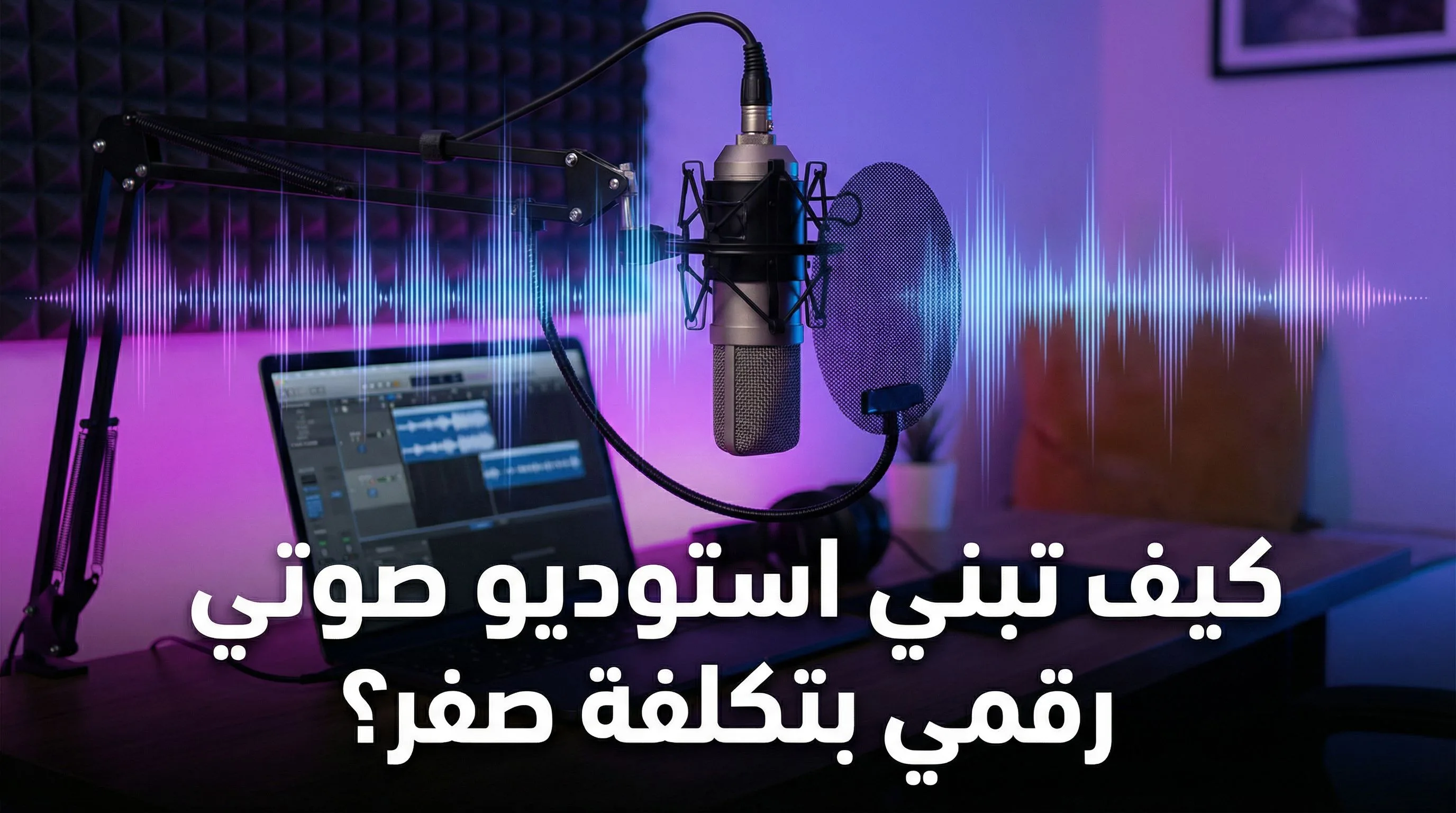
How to Build a Digital Audio Studio at Zero Cost?
In today's digital age, creating high-quality audio content has become increasingly accessible. Whether you're a podcaster, voice actor, musician, or simply want to experiment with sound design, building a digital audio studio doesn't have to break the bank. In fact, it's entirely possible to create a functional and effective studio setup at zero cost. This article will guide you through the necessary steps and resources to achieve this, leveraging readily available free software and utilizing existing hardware.
Leveraging Existing Hardware: The Foundation of Your Studio
The beauty of a zero-cost studio is maximizing the potential of what you already own. Start by identifying your core audio input device. This could be:
* Your Smartphone: Modern smartphones boast surprisingly capable microphones. Utilize a quiet room and minimize background noise to capture clean recordings. Many smartphones also have built-in voice recording apps, providing a simple starting point.
* Your Computer's Built-in Microphone: While generally lower quality than a dedicated microphone, your laptop or desktop's built-in microphone can serve as a temporary solution for testing and experimentation. Experiment with placement and proximity to your mouth for optimal sound capture.
* Gaming Headset Microphone: If you're a gamer, your headset microphone can be repurposed for voice recording. Adjust the microphone boom to ensure consistent audio levels and minimize breath noise.
* Donated or Borrowed Equipment: Ask friends, family, or colleagues if they have an old microphone or pair of headphones they're willing to donate or lend. You might be surprised at what you can find.
Next, consider your output device. Headphones are crucial for monitoring your recordings and ensuring accurate editing. If you don't have dedicated studio headphones, any pair of over-ear headphones will suffice for a beginner setup.
Free Digital Audio Workstations (DAWs): Your Software Powerhouse
The heart of your digital audio studio is the Digital Audio Workstation (DAW). Luckily, several excellent free DAWs are available, offering a wide range of features for recording, editing, and mixing audio. Here are a few notable options:
* Audacity: This open-source DAW is a staple for beginners. Audacity is user-friendly, offers a wide range of effects, and supports various audio formats. Its intuitive interface makes it easy to record, edit, and manipulate audio clips. For example, you can use Audacity to record a voiceover, remove background noise, and add simple effects like compression and equalization.
* GarageBand (macOS): Exclusively available for macOS users, GarageBand is a surprisingly powerful DAW that comes pre-installed on most Macs. It offers a wide range of virtual instruments, loops, and effects, making it suitable for both voice recording and music production. GarageBand has a visually appealing interface that makes music creation accessible to beginners.
* Cakewalk by BandLab (Windows): This professional-grade DAW, formerly known as SONAR, is now available for free. Cakewalk offers a comprehensive set of features, including advanced mixing tools, virtual instruments, and support for VST plugins. It can be a steeper learning curve than Audacity or GarageBand, but it's a powerful option for more experienced users.
Optimizing Your Recording Environment: Sound Treatment on a Budget
Even with the best equipment and software, a poorly treated recording environment can significantly impact audio quality. Here are a few tips for minimizing unwanted noise and reverberation without spending any money:
* Choose a Quiet Room: Select the quietest room in your home, away from traffic noise, appliances, and other distractions.
* Soft Surfaces are Your Friend: Sound reflects off hard surfaces, creating reverberation. Add soft materials to the room, such as blankets, pillows, and curtains, to absorb sound and reduce echoes.
* The Blanket Fort Technique: For truly isolated recordings, create a makeshift recording booth by draping blankets over chairs or a clothes rack to create a small, enclosed space.
* Record at Off-Peak Hours: Minimize external noise by recording during quieter times of the day, such as late at night or early in the morning.
Free Plugins and Effects: Expanding Your Sonic Palette
While your DAW will offer built-in effects, you can further enhance your audio by using free VST plugins. These plugins can add compression, equalization, reverb, and other effects to your recordings, giving them a professional polish. Search online for "free VST plugins" to find a vast library of options. Popular choices include:
* TDR Nova: A free parallel dynamic equalizer with a smooth, musical sound.
* ReaPlugs: A suite of free plugins included with the Reaper DAW, offering a wide range of essential audio processing tools.
* MeldaProduction MFreeFXBundle: A collection of free audio effects plugins, including chorus, flanger, phaser, and more.
Mastering the Art of Editing: Polishing Your Final Product
Editing is a crucial step in the audio production process. Learn to use your DAW's editing tools to remove unwanted noises, trim silence, and adjust the timing of your recordings. Mastering basic editing techniques can significantly improve the overall quality of your audio.
* Noise Reduction: Use your DAW's noise reduction tools to minimize background noise and hiss. Be careful not to overdo it, as excessive noise reduction can introduce artifacts and degrade the audio quality.
* Compression: Compression evens out the dynamic range of your audio, making it sound louder and more consistent. Experiment with different compression settings to find what works best for your voice.
* EQ (Equalization): Use EQ to shape the tonal balance of your audio. You can use EQ to boost frequencies that are lacking and cut frequencies that are overly prominent.
Conclusion: Unleash Your Audio Potential at Zero Cost
Building a digital audio studio at zero cost is not only possible but also a fantastic way to explore your creative potential and develop your audio production skills. By leveraging existing hardware, utilizing free software, and optimizing your recording environment, you can create high-quality audio content without breaking the bank. Don't be afraid to experiment, learn new techniques, and continuously refine your workflow. With dedication and creativity, you can unlock a world of audio possibilities, all without spending a single penny.